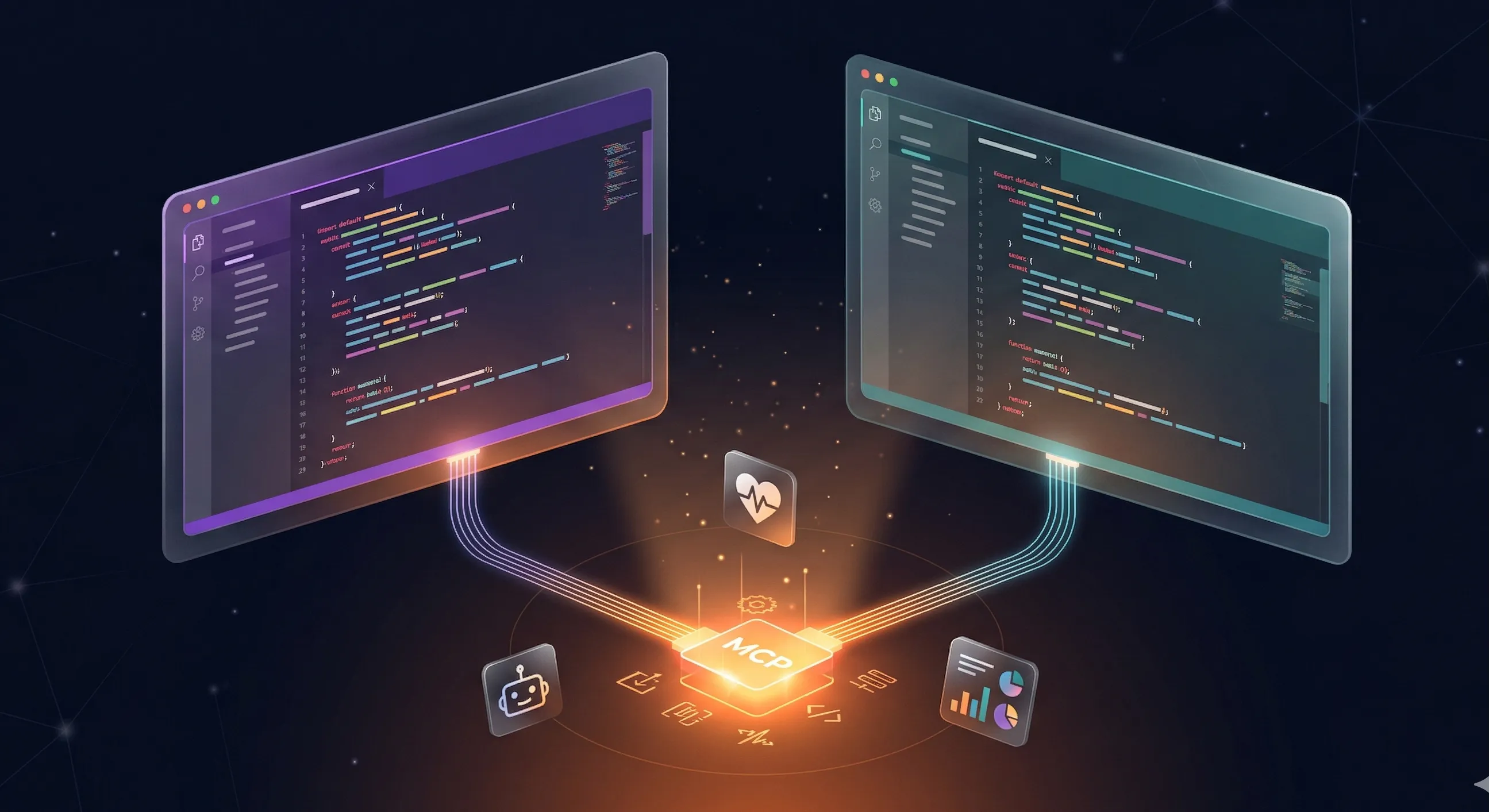
Cursor surpassed 1 million daily active users with 17.9% IDE market share in 2025, and 95% of those users actively use agent features (DevGraphIQ). MCP brings external tool access directly into these coding environments — manage your AI fleet without leaving the editor.
TL;DR
Cursor uses .cursor/mcp.json (project) or ~/.cursor/mcp.json (global). Windsurf uses ~/.codeium/windsurf/mcp_config.json with serverUrl instead of url. Both connect to OpenClaw at https://openclaw.direct/mcp. Copy-paste configs below.
Why Connect Your IDE to OpenClaw?
84% of developers are using or planning to use AI tools in their development workflow (Stack Overflow 2025 Developer Survey). Managing AI instances from your IDE eliminates context-switching — you can provision test instances, check agent health, and suspend idle resources without leaving your code editor.
If you’re new to MCP, read what MCP is and why it matters first. Already familiar? Let’s get the config set up.
Cursor MCP Setup
Cursor reached $1 billion+ in annualized revenue in 2025, used by teams at Nvidia, Adobe, Uber, and Shopify (GetPanto). It supports MCP through a JSON config file.
Create .cursor/mcp.json in your project root (project-scoped) or ~/.cursor/mcp.json (global). Add this config:
{
  "mcpServers": {
    "openclaw": {
      "url": "https://openclaw.direct/mcp"
    }
  }
}
Verify in Cursor Settings > Tools & MCP. You’ll see OpenClaw listed with a green status indicator and its 11 available tools. You can flip individual tools on or off from this panel.
Important: Cursor has a ceiling of approximately 40 active tools across all MCP servers combined (Cursor Docs). If you exceed this, the agent silently loses access to some tools. With OpenClaw’s 11 tools, you have room for about 29 more from other servers.
Project-scoped config (.cursor/mcp.json in the repo root) is automatically shared with your team when committed. Global config (~/.cursor/mcp.json) applies to all your projects but stays local to your machine.
Windsurf MCP Setup
Windsurf reached 5% IDE market share in 2025 (DevGraphIQ). Its MCP configuration lives at a different path and uses a different field name for HTTP servers.
Edit ~/.codeium/windsurf/mcp_config.json:
{
  "mcpServers": {
    "openclaw": {
      "serverUrl": "https://openclaw.direct/mcp"
    }
  }
}
Note the critical difference: Windsurf uses serverUrl, not url. This trips up developers migrating configs from Cursor or Claude Desktop. If you copy-paste a Cursor config into Windsurf without changing the field name, the server won’t connect — and there’s no error message. It just silently fails.
After saving, restart Windsurf to load the new config. The IDE reads the config file at launch, similar to Claude Desktop.
Developer Workflows with MCP
The real value of IDE MCP isn’t just connecting — it’s the workflows it unlocks. Understanding how MCP servers differ from AI agents helps clarify what each piece does. Here are four patterns that work naturally from a code editor:
- “Provision a staging AI instance for testing” — spin up a test instance before writing integration tests, without leaving your editor
- “What’s the health of my production agents?” — mid-sprint health check between commits
- “Suspend all staging instances” — post-deploy cleanup to avoid billing for idle resources. These provisioning, health-check, and cleanup workflows are core to AI fleet management
- “Show me this month’s billing” — quick cost check without opening a dashboard
These workflows matter because context-switching kills developer productivity. Opening a browser, navigating to a dashboard, finding the right page, and switching back to your editor breaks flow. MCP puts the same capabilities inside the tool where you’re already working. For more examples, see our MCP use cases guide, and explore our list of essential OpenClaw skills to see which developer workflow tools are available.
Troubleshooting
JSON syntax errors: Both IDEs silently ignore malformed config files. Validate your JSON at jsonlint.com before saving. The most common mistake: a trailing comma after the last server entry.
Wrong URL field name (Windsurf): If you copied a Cursor config into Windsurf, change "url" to "serverUrl". There’s no error message for this — the server just won’t appear.
OAuth not completing: If the browser opens but authorization doesn’t complete, try a different browser. Some corporate proxies block OAuth redirect URLs.
Server not appearing after config change: Windsurf requires a full restart. Cursor may also need a restart if changes aren’t reflected. You can verify the server status in Cursor via Settings > Tools & MCP.
Frequently Asked Questions
Does Cursor support remote HTTP MCP servers?
Yes. Cursor supports both stdio (local) and HTTP (remote) MCP servers. For remote servers like OpenClaw, use the url field pointing to the server endpoint. Cursor handles the OAuth flow automatically. Over 300 MCP clients now support the protocol (MCP Manager, 2026).
Why does Windsurf use serverUrl instead of url?
Windsurf’s MCP implementation uses serverUrl as the primary field for HTTP server endpoints. While url may work as an alias in some versions, serverUrl is the documented and recommended field per Windsurf’s official MCP docs.
Is there a limit on MCP tools in Cursor?
Yes. Cursor has a ceiling of approximately 40 active tools across all connected MCP servers combined. Exceeding this triggers a warning, and the agent may silently lose access to some tools (Cursor Docs). OpenClaw’s 11 tools leave room for additional servers.
Can I share MCP config with my team?
In Cursor, place .cursor/mcp.json in the project root and commit it to your repo — everyone on the team gets the same MCP config. In Windsurf, the config is per-user at ~/.codeium/windsurf/mcp_config.json. For team-wide Windsurf config, document it in your project’s README.
Next Steps
- Connect to OpenClaw’s MCP server — manage your AI fleet from your IDE
- Claude MCP setup guide — if you also use Claude Desktop or Claude Code
- ChatGPT MCP setup guide — for the ChatGPT path
- MCP architecture deep dive — understand transport, auth, and security
Sign up for OpenClaw free and connect from your IDE in under two minutes.